Do you find yourself in one of these situations?
- Your electric desk is no longer working.
- The platform remains stuck in an intermediate position.
- The control box is no longer responding.
- The desk moves down and then stops abruptly.
These situations can occur on a motorized sit-stand desk.
In most cases, a reset allows the system to be recalibrated and to return to normal operation within a few minutes.
Why reset your sit-stand desk?
The reset is used to recalibrate the desktop engines.
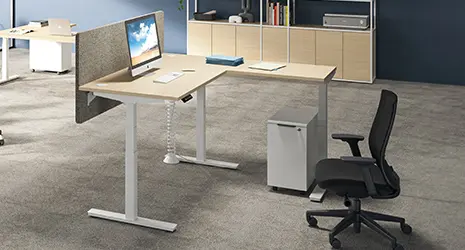
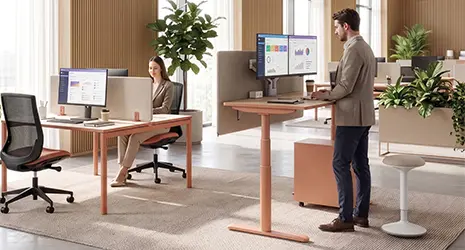
On the Envol Evo, Alto , or Nuanza height-adjustable desks, the motor is integrated into each leg. The two telescopic columns must move up and down together, perfectly synchronized. If the legs become desynchronized, the desk can automatically lock itself to prevent malfunction.
A reset may be necessary in several cases:
- Initial commissioning.
- Office relocation.
- Power outage.
- Cable unplugged.
- Activation of the anti-collision sensor.
- Locking in low, high or intermediate position.
Checks to perform before starting
Before resetting the desktop, first secure the space.
Remove any objects from the desktop. The Envol Evo supports a maximum load of 120 kg per desktop. An overloaded desktop may interfere with adjustment. Ensure there are no obstructions under the desk.
Chair. Box. Cardboard box. Bag. Cables on the floor. Any object in contact with the platform or structure can block movement.
Also check the connections. The cables between the feet and the control box must be securely connected. The power cord must be plugged into a working wall outlet.
Finally, check the cables laid across the desktop. They must be long enough to extend the full range of the desk's travel, from 63 to 128 cm. A cable that is too short can pull on the desktop and trigger the safety mechanism.
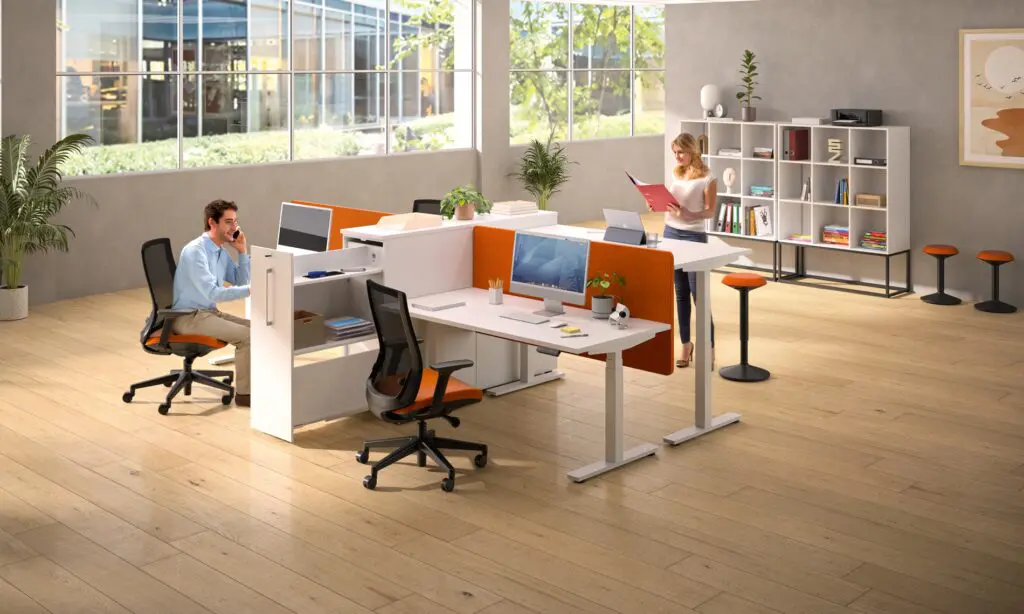
Step-by-step procedure for resetting the Envol Evo, Envol One, Alto RH or Nuanza RH
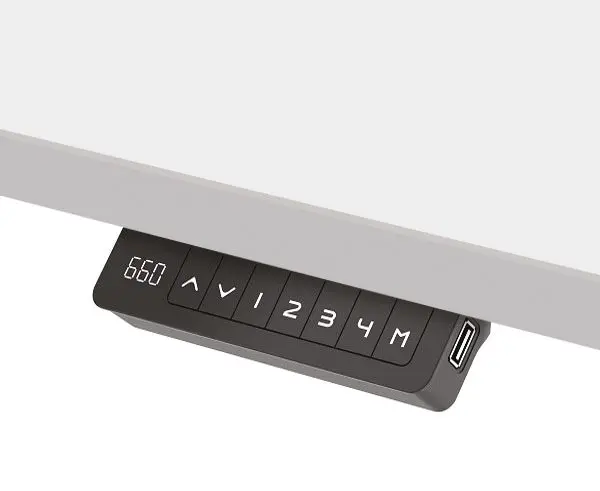
The procedure below corresponds to the standard reset of an electric desk equipped with the “up & down” control box equipped with USB A and/or C socket(s) only.
For complete instructions, always refer to the Buronomic assembly instructions for your desk.
- Press and hold the down button. Let the desk lower to its lowest position and release the button.
- Press the down button again until you hear a confirmation beep, then release the button. The desktop may move slightly. It may move down very slightly, then back up. This movement indicates that the system is recalibrating.
- The reset is complete. Test the desktop.
Press the up and down buttons. The platform should move up and down smoothly, without jerking or jamming. If a code appears on the control panel screen, consult the Buronomic assembly instructions or contact support.
The collision avoidance sensor: how to reset it ?
Buronomic sit-stand desks are equipped with anti-collision safety features, including a gyroscope sensor integrated into the motor housing. This system detects obstacles and stops movement to protect the desk, objects, and users. The most common sign is simple: the desk begins to rise or fall, then stops abruptly.
In this case, do not force it. Remove the obstruction. Check the chair, the cabinet, the wall, the cables, and any objects under the tabletop.
Next, restart the standard reset procedure. If the sensor triggers without any visible obstruction, check that the platform is not touching a wall or furniture. Also, check that the cables are long enough to accommodate the movement.
Reprogram your 4 memorized positions
After a reset, the stored positions may need to be reprogrammed.
The control box for Buronomic electric desks allows you to memorize up to 4 positions.
First, adjust the desk to the desired height. Then, save the position using the designated button on the device. Repeat this process for your main height settings. When seated, your forearms should remain close to horizontal. Your shoulders should be relaxed. When standing, keep your elbows at approximately 90 degrees. Your gaze should remain aligned with the screen. The USB-A and USB-C ports on the device are independent of the saved positions.
When should I contact Buronomic support?
Contact buronomic if the desktop remains locked after two reset attempts.
Also contact support if an error code persists, if the desk makes an abnormal noise, or if the desktop does not lower to 63 cm or raise to 128 cm.
In normal operation, the Envol Evo moves at 40 mm per second, with a noise level below 50 dB. The Envol Evo electric desk comes with a 5-year warranty.
You can contact buronomic by filling out the form.
You can also go through your partner distributor, buronomic.