Musculoskeletal disorders are the leading cause of work absences in France. An improperly designed workstation is often the direct cause. The consequences are tangible: pain, fatigue, and decreased productivity. The INRS (National Research and Safety Institute for the Prevention of Occupational Accidents and Diseases) has established clear guidelines: 10 m² per employee, a desk measuring 120 x 80 cm, a height of 72 cm, and a minimum legroom of 75.5 cm. These are minimum standards, not ideals. In over 45 years of manufacturing experience, Buronomic has observed the evolution of the most requested dimensions. Companies are increasingly understanding the importance of ergonomics. Comfort is becoming as crucial a selection criterion as density or budget.
This article offers you directly usable summary tables, essential ergonomic rules, common mistakes by type of office and office-related products adapted to each use.
The three key dimensions of a professional office
Three dimensions influence comfort, posture, and daily performance. Neglecting them exposes you to pain and a gradual decrease in productivity, often without identifying the cause.
Height: the most critical dimension for posture
The standard height is between 72 and 75 cm. It is suitable for most adults measuring between 1.65 m and 1.85 m.
The 90° elbow rule remains the standard. Forearms should rest flat on the platform, without raising or lowering the shoulders. A practical formula can be used to estimate the ideal height: height in cm divided by 2.5. For a user who is 170 cm tall, the calculation gives 68 cm.
The consequences of an improperly adjusted desk are clear. A desk that is too high leads to raised shoulders, neck tension, and pain at the end of the day. A desk that is too low causes a hunched back, lower back fatigue, and a loss of concentration.
Working from home has exacerbated a common problem. Many employees work at a kitchen table that is 76 cm high. This is too high for most body types.
| User size | Recommended desk height |
| Less than 1.60 m | 60 to 65 cm |
| Between 1.60 m and 1.67 m | 65 to 68 cm |
| Between 1.68 m and 1.75 m | 68 to 72 cm |
| Over 1.75 m | 72 to 78 cm |
Envol Evo electric desks offer an adjustment range of 63 to 128 cm. The motorized adjustment is silent. Position memory transforms a shared desk into a personalized workstation for each user. The range is covered by a 10-year warranty.
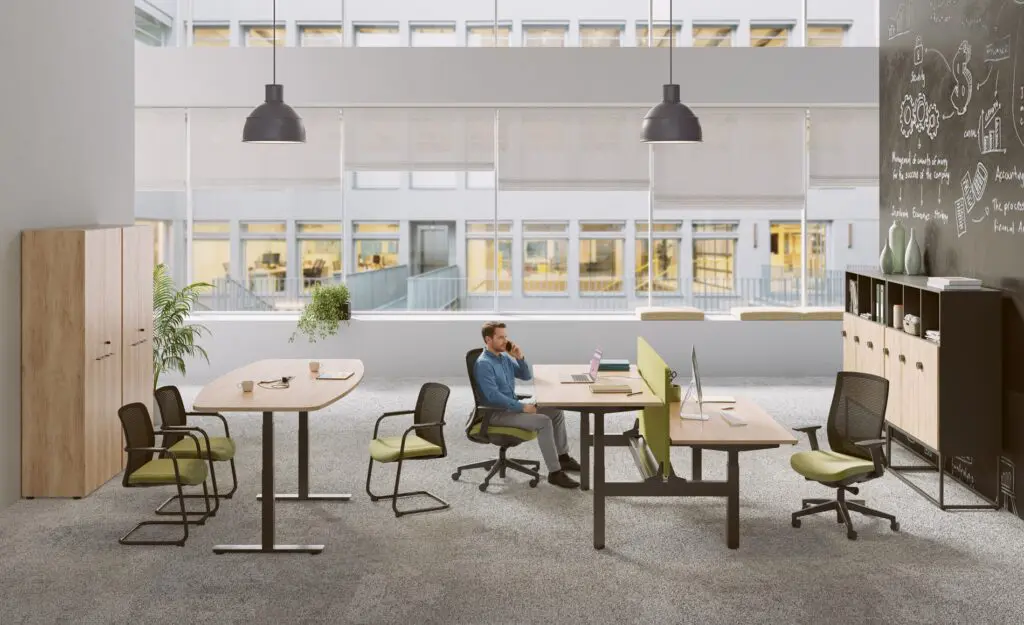
The length of the work surface: the amount of workspace available on a daily basis
The standard length varies between 120 and 180 cm depending on the uses and available space.
For use with a laptop alone, 120 cm is sufficient. For a workstation with a desktop monitor and documents, allow 140 to 160 cm. A dual-monitor setup requires a minimum of 160 cm, ideally 180 cm. For an executive office with a reception area, plan for 180 cm or more.
The common mistake becomes obvious with use. An employee with two monitors on a 120 cm screen no longer has any clear space in front of them. To maintain concentration, the 50 cm rule is essential: keep at least 50 cm of clear space in front of the screen. This rule is often ignored.
Circulation space is just as important as the width of the work surface. In an open-plan office, allow a minimum of 80 cm between the backmost chair and the next piece of furniture or workstation, and 1 meter between two rows of chairs facing each other.
The Envol Classic and Envol One operational desks from buronomic are available in 120, 140, 160, and 180 cm widths. The Nuanza multi-user desks offer 120 cm per workstation and a depth of 80 cm, striking a balance between density and comfort. For management and executive roles, the Stricto and Alto Manager desks complete the range.
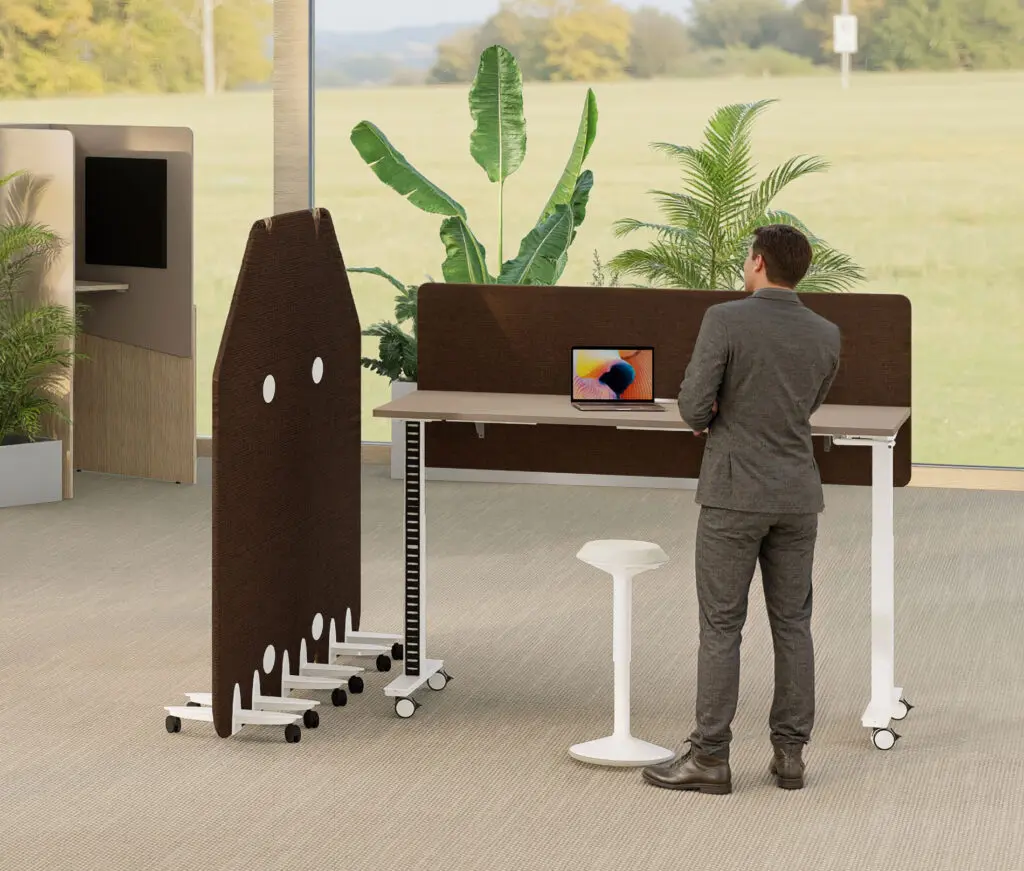
Depth: the forgotten dimension that changes everything
The standard depth varies between 60 and 80 cm depending on the equipment.
Less than 60 cm: occasional use only. 60 cm: light office use, laptop, administrative tasks. 70 to 80 cm: intensive use, large screen, dual screen, tablet, numerous documents. 80 cm and above: executive office or graphic design workstation.
This is the most underestimated dimension when buying a desk. The classic mistake is to choose a desk based on width, without looking at the depth, and end up too close to the screen.
A simple rule of thumb for checking visual comfort: from your normal seated position, if you can't touch the screen with your fingertips when you extend your arm, the screen is too close. To maintain a distance of 50 to 70 cm between your eyes and the screen, a minimum depth of 70 cm is necessary for a fixed screen placed on the desk.
Regarding legroom, the INRS recommends a minimum space of 75.5 cm under the tabletop.
desks a standard 80 cm depth. The Stricto and Alto executive desks reach a depth of 90 cm, compared to the 60 cm offered by many entry-level competitors.
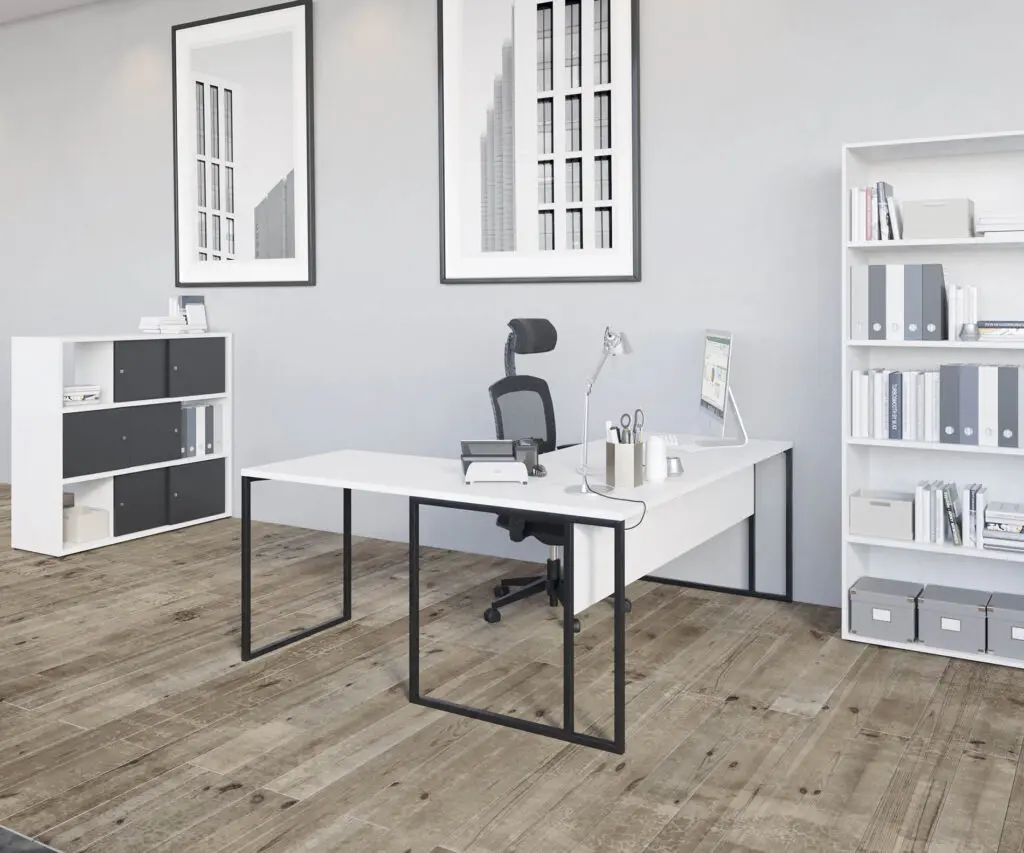
Standard dimensions per type of professional office
Each type of desk caters to a specific use, user profile, and environment. Here are the guidelines for each category, along with common mistakes to avoid.
| Office type | Width | Depth | Height | Minimum room size | Common mistake |
| Compact desk | 80 to 120 cm | 50 to 60 cm | 72 to 75 cm | 6 m² | Too shallow a depth for a fixed screen |
| Standard Operational Office | 120 to 160 cm | 60 to 80 cm | 72 to 75 cm | 9 m² | Too narrow for dual screens |
| L-shaped desk with return | 160 to 200 cm + return | 60 to 80 cm | 72 to 75 cm | 12 m² | Room too small for circulation |
| Executive Office | 180 to 220 cm | 90 to 100 cm | 72 to 75 cm | 15 m² | Desk too big for the actual space |
| Electric sit-stand desk | 120 to 180 cm | 80 cm | 65 to 125 cm | 9 m² | Manual setting never used |
| Multi-station bench | 120 cm per post | 80 cm | 72 to 75 cm | 10 m² per workstation | Not enough acoustic dividers |
The compact office: maximizing comfort in a limited space
Typical dimensions: 80 to 120 cm wide, 50 to 60 cm deep. Suitable for small spaces, occasional workstations and flexible office environments.
A common mistake is choosing a tabletop based solely on width without checking the depth. The result: a 50cm tabletop incompatible with a fixed monitor. The rule is clear: for tables less than 60cm deep, you absolutely must use an articulated monitor arm to maintain the correct viewing distance.
The Envol Classic operational desks in 120 cm are all available in a minimum depth of 80 cm, even in compact format.
The standard operational office: the reference workstation in the company
The INRS recommends 120 x 80 cm, height 72 cm, legroom 75.5 cm. This is the most common configuration in professional open-plan offices.
A common mistake is to equip all workstations with 120cm monitors to maximize density, without considering employees with dual monitors. These users are left without any free space. The practical recommendation can be summed up in one sentence: plan for a mix from the design stage, with 120cm monitors for laptops and 160cm for dual-monitor workstations.
In the office environment, several solutions address this need. The Envol Classic and Envol One workstations are available in various widths. The Partage workstations are suitable for back-to-back configurations. The Alto workstations offer practical use with refined finishes.
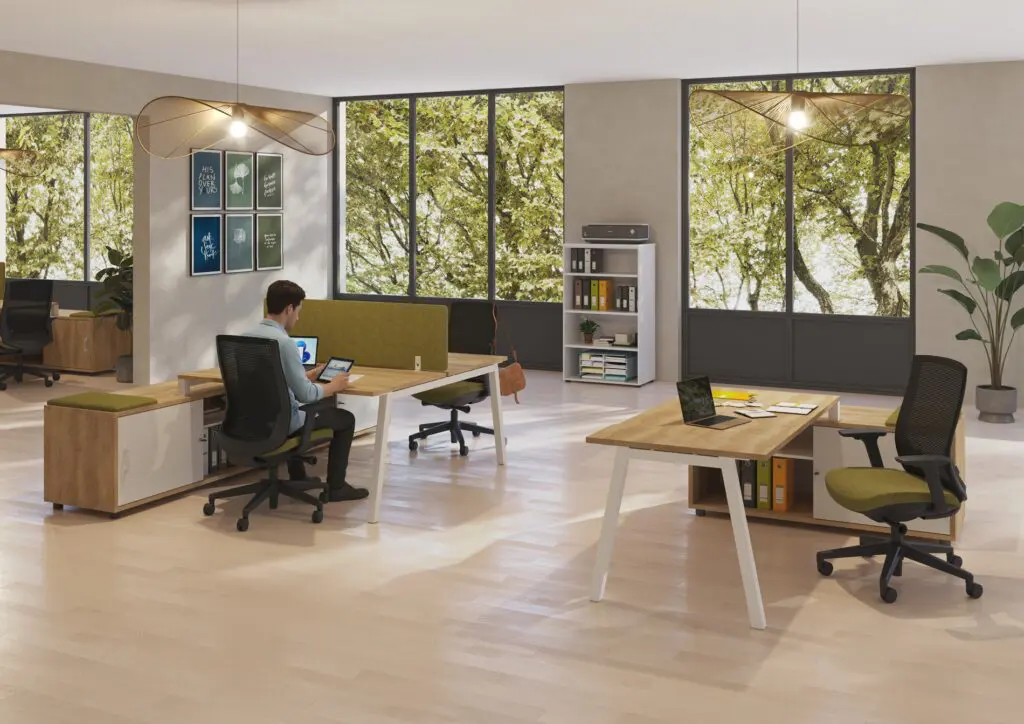
The L-shaped desk with return: two work areas, one workstation
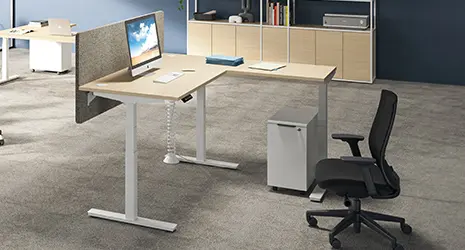
Total width of 160 to 200 cm on the main face, 80 to 120 cm on the return. Ideal for multitasking profiles, with a screen area on one side and a document or phone area on the other. This configuration optimizes the use of room corners without encroaching on circulation space.
A common mistake is to install an L-shaped desk in a room that's too small. Lateral circulation space disappears, and the workstation becomes uncomfortable. The rule before buying is simple: deduct 80 cm on each side of the desk for circulation, then check that the remaining space is sufficient.
The Envol desks with return from buronomic are available in several configurations.
The executive office: size, status and reception comfort
Recommended minimum dimensions: 180 x 90 cm, ideally 200 x 100 cm. The greater depth (90 to 100 cm) ensures sufficient distance from those seated opposite.
A common mistake is choosing a executive desk for a room that's too small, forgetting to allow 120 cm in front of the desk for visitors and 80 cm on either side for movement. The rule before buying can be summarized as follows: the room's surface area minus the circulation space equals the available surface area for the desk, not the other way around.
The Stricto desk features a metal frame and contemporary design, available in several widths. The Alto manager's desk, with its organic lines and wood and metal finish, is available with a return and matching drawer units.
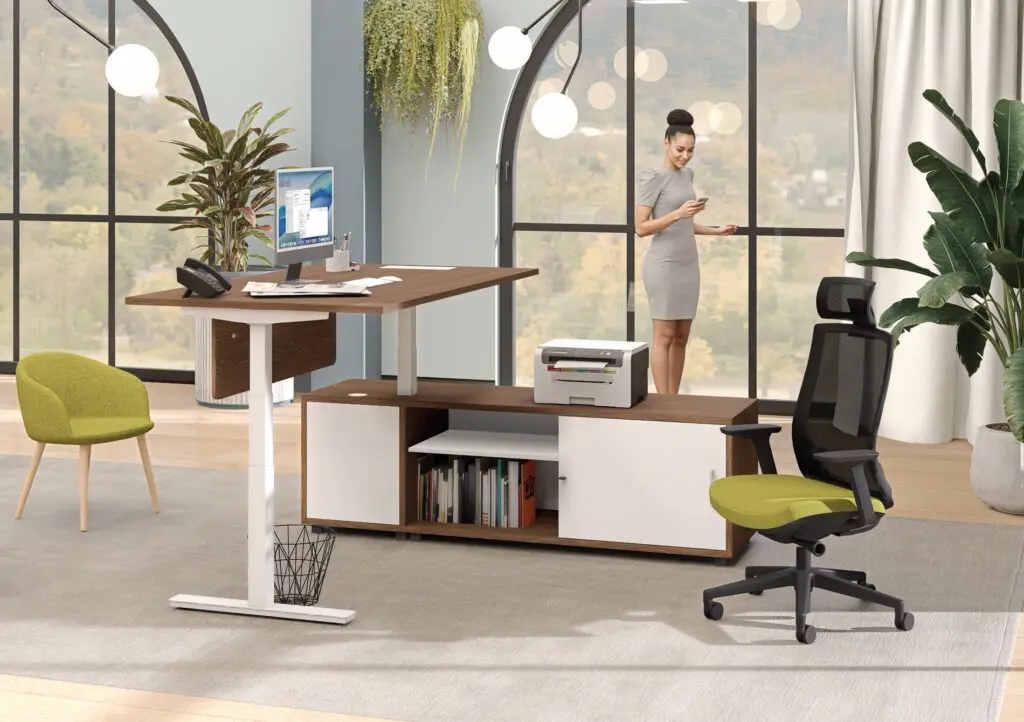
The electric sit-stand desk: the size that adapts to each user
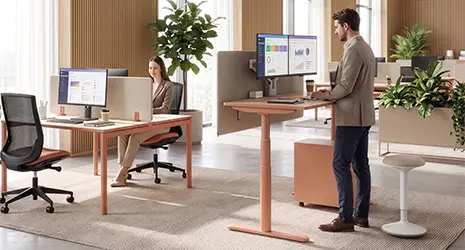
The desktop has the same dimensions as a standard desk. The height, however, is adjustable from 65 to 125 cm. This range accommodates all body types, from 1.50 m to 2.00 m. Alternating between sitting and standing reduces musculoskeletal disorders and fatigue, as has now been proven.
A common mistake is costly: choosing a crank-operated sit-stand desk with such a cumbersome adjustment that it's never used. An unused sit-stand desk is like a fixed desk that cost twice as much. The only way to ensure the adjustment is actually used daily is to opt for an electric system with position memory.
Buronomic's Envol Evo electric desks meet this requirement. They feature quiet motorized adjustment, position memory for each user in flexible office environments, several widths available, and a 10-year warranty.
Multi-user bench desks: dimensions to respect per workstation
Minimum surface area per workstation: 120 x 80 cm, in accordance with INRS recommendations. The clearance between two facing rows must be a minimum of 140 cm, ideally 160 cm.
A common mistake is neglecting acoustic dividers on workstations with four or more workstations. The resulting noise negates the benefits of close collaboration. The practical rule: install an acoustic divider whenever two workstations face each other or are adjacent on a workstation.
The Nuanza multi-user desks from buronomic are available in 4- and 6-user bench configurations, with a depth of 80 cm per workstation. Acoustic dividers can be integrated from the initial setup. Classif mobile pedestals are available as an additional option.
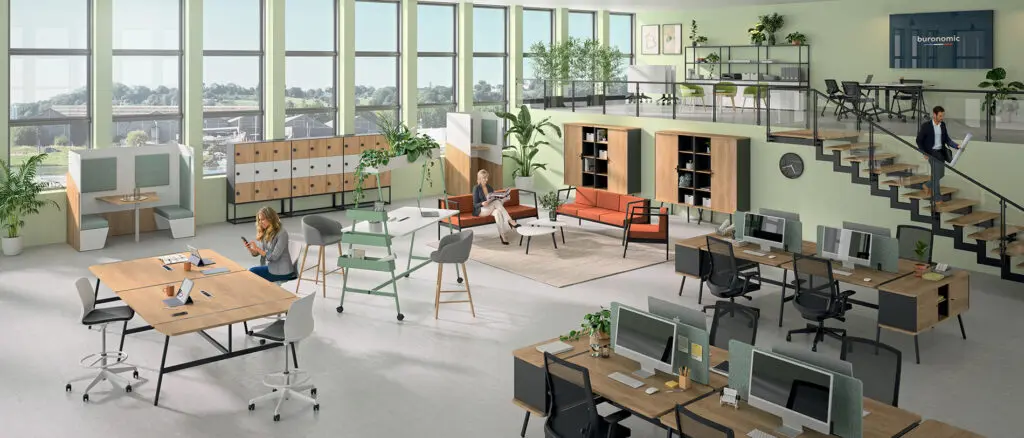
Desk dimensions and ergonomics: rules not to be overlooked
The 90° elbow rule for adjusting the height of your desk
Three-step method for measuring the correct height. Sit with your feet flat on the floor. Measure the distance between the floor and your elbows bent at 90°. Add 2 to 3 cm.
If the desk is fixed and unsuitable, adjust the seat height. Use a footrest if your feet no longer touch the floor.
Method without measuring tools: elbows at 90°, forearms flat on the platform, shoulders relaxed. If any of these three conditions are not met, the height is incorrect.
With the Envol Evo, this adjustment is made in a few seconds thanks to the electric motor, without interrupting work.
The screen distance and the depth of the tray
The recommended distance between your eyes and the screen is 50 to 70 cm, depending on the screen size. A 24-inch screen placed on a 60 cm deep surface is too close. Eye strain and neck tension are guaranteed in the medium term.
The minimum depth is 70 cm for use with a fixed monitor. 80 cm for a large monitor or a dual monitor setup. An additional solution exists: an articulated monitor arm allows you to gain usable depth without changing your desk.
Optimal dual screen configuration: minimum 140 cm wide, 80 cm deep, screens slightly inclined in an arc towards the user.
Circulation areas around the workstation
Minimum 80 cm behind the seat for standing and movement. Minimum 1 meter between two rows of desks facing each other. Main circulation aisles: minimum 120 cm.
Below these thresholds, the risk is threefold: tension, discomfort, and non-compliance with INRS recommendations. These circulation spaces directly influence the choice of office dimensions, not the other way around.
The role of the seat in the dimensional equation
A well-sized desk is not enough if the chair doesn't allow for proper adjustments. The four-angle rule is the reference: elbows at 90°, hips at 90°, knees at 90°, feet flat on the floor.
Four adjustments should be checked on the chair: seat height, seat depth, armrest height, and lumbar support. If the chair is adjusted to its maximum height and the elbows are still too low relative to the desktop, the desk is too high for that user.
The Papillon and Coccinelle chairs from buronomic offer multiple adjustments. They are designed to work in synergy with the desks in the range.
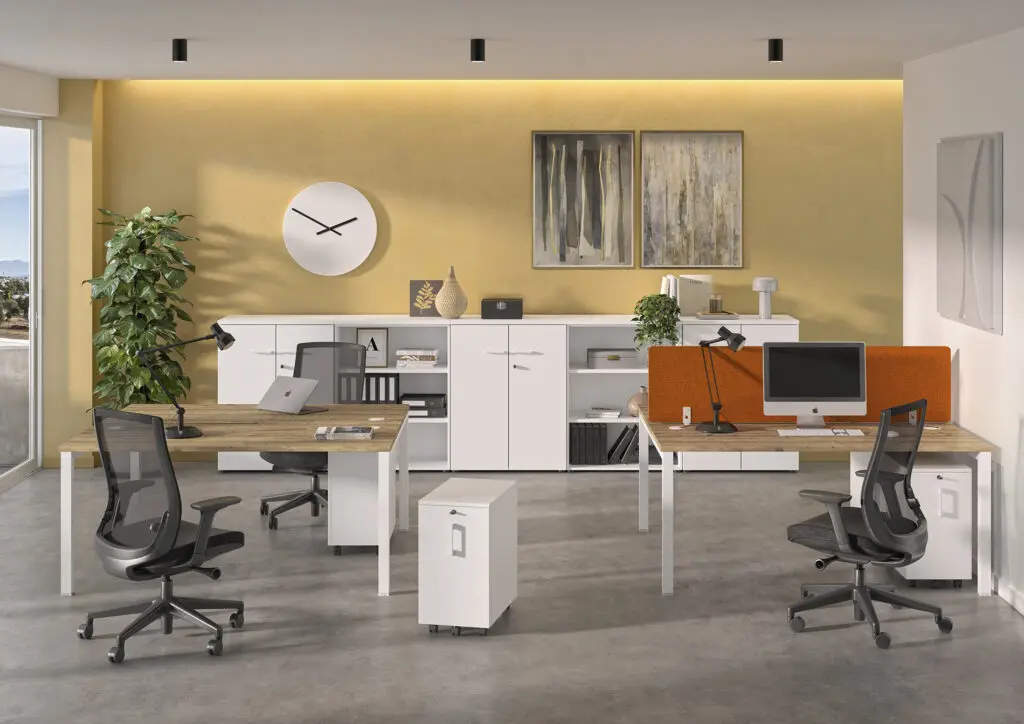
Dimensions of additional furniture to complete your workstation
The dimensions of a workstation don't end with the desk. The pedestal, storage units, and their placement all influence the flow of movement and overall comfort. Here are some key points to consider.
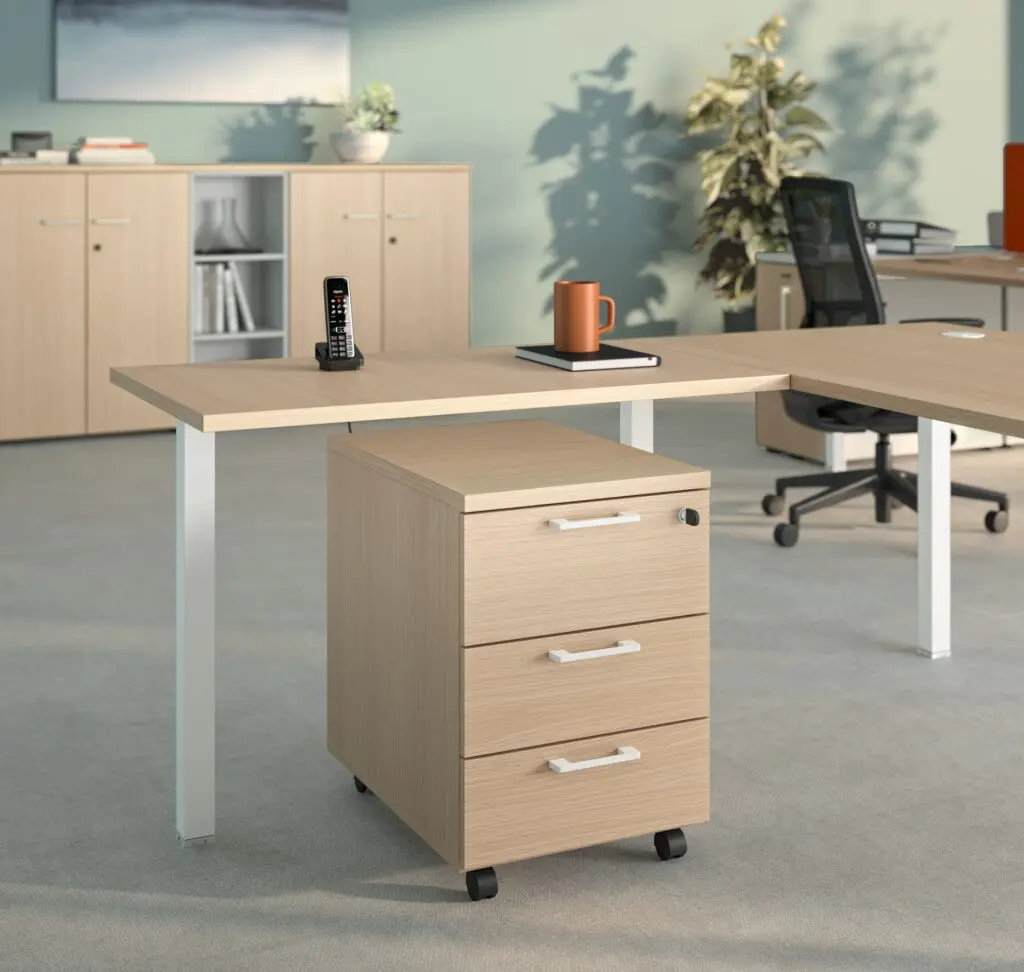
Dimensions of the mobile containers
Standard width: 40 to 50 cm. Depth: 50 to 60 cm. It must match the depth of the desk to fit neatly underneath. Height: 50 to 60 cm to fit under the desktop without obstructing legroom.
A critical point often overlooked. A cabinet that's too deep prevents you from getting close enough to the desk. The result: constantly leaning forward.
A common mistake is to choose a cabinet based solely on the number of drawers, without checking the dimensional compatibility with the desk.
The Comfort mobile boxes from buronomic are available in sizes compatible with the entire Envol range.
Dimensions of office storage units and cabinets
Low cabinet: width 80 to 120 cm, depth 40 to 45 cm, height 100 to 120 cm. Standard cabinet: width 80 to 120 cm, depth 40 to 45 cm, height 180 cm.
The aisle rule: a maximum depth of 45 cm for a cabinet placed against a wall facing workstations. Beyond that, the circulation space becomes too narrow.
A practical tip: use low storage units as room dividers. A low cabinet 120 cm wide and 100 cm high can separate two areas without blocking light.
The Classif, Optimax and Quiétude storage units from buronomic are available in various widths and heights. They can be used as room dividers, with integrated seating as an option.
Final summary table of dimensions by use
Here is the complete summary to guide your choice at a glance, with the buronomic products associated with each configuration.
| Use | Width | Depth | Height | Room surface | Buronomic product |
| Laptop, limited space | 120 cm | 60 cm | 72 cm fixed | 6 m² | Envol Classic 120 |
| Standard computer workstation | 140 to 160 cm | 80 cm | 72 to 75 cm | 9 m² | Envol Classic, Envol One |
| Dual screen | 160 to 180 cm | 80 cm | Adjustable | 9 m² | Envol Evo |
| Open space shared flex office | 120 cm per post | 80 cm | 72 to 75 cm | 10 m²/workstation | Nuanza bench, Sharing |
| Manager or project manager | 160 to 180 cm | 80 cm | Adjustable | 12 m² | Alto manager, Envol Evo |
| Executive Office | 180 to 220 cm | 90 to 100 cm | 72 to 75 cm | 15 m² | Stricto, Alto direction |
| Sit-stand workstations for all profiles | 120 to 180 cm | 80 cm | 65 to 125 cm | 9 m² | Envol Evo electric |
The dimensions of an office are not a technical detail. They influence the posture, health, and performance of employees over time.
Three fundamental rules guide the selection process. Height should be adjusted to body shape and the 90° elbow rule. Width depends on equipment and intended use. Depth is chosen based on screen distance. The final summary table provides directly applicable guidelines for each profile.
Three mistakes are consistently repeated: underestimated depth, insufficient width for a dual monitor setup, and a crank-operated sit-stand desk that is never used.